

Introduction
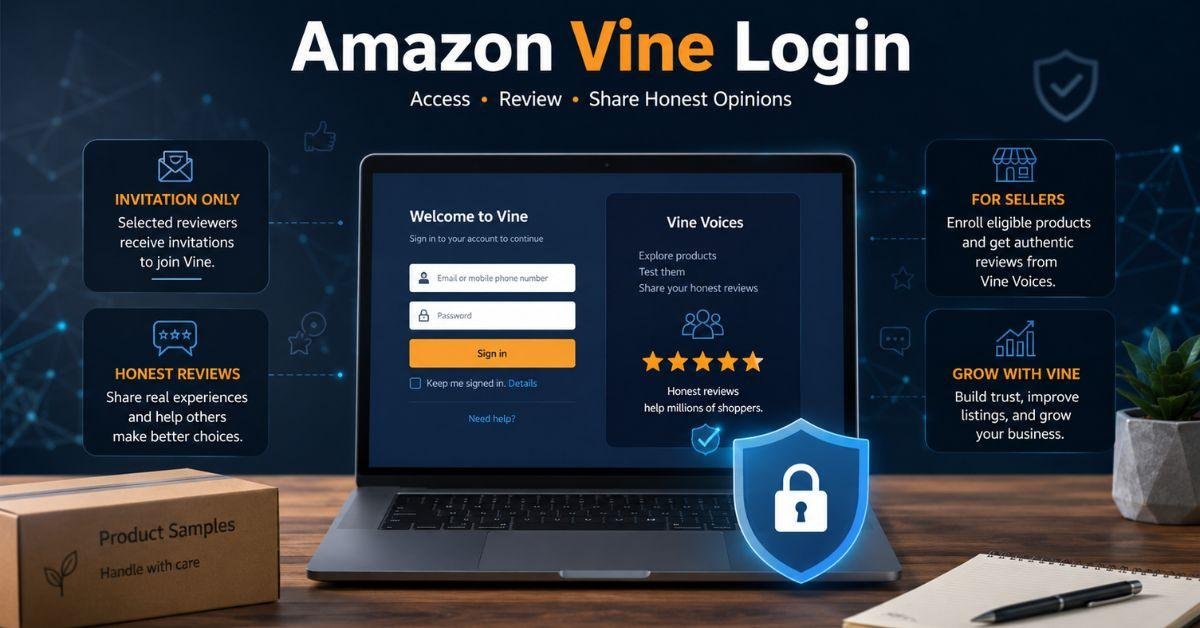
The Amazon Vine Login gives invited reviewers and approved sellers access to Amazon’s product review program. Selected reviewers, called Vine Voices, can request eligible products without paying the normal purchase price. They test these items and publish honest opinions that help shoppers make better buying decisions. Reviewers enter the program through their regular Amazon account, while businesses use Seller Central. There is no public reviewer application, separate Vine password, or guaranteed method for receiving an invitation. This guide explains how both access routes work in 2026. It also covers common sign-in problems, reviewer responsibilities, seller requirements, possible costs, and important account safety measures.
What Is Amazon Vine?
Amazon Vine is an invitation-only product review program. Customers that have a track record of providing insightful, thorough, and reliable reviews are chosen by Amazon. These members can request selected products and share their opinions after testing them. The Amazon Vine Login does not create a separate Amazon account. Reviewers use the email address, phone number, and password connected to the account that received the invitation. Sellers continue using their Seller Central account. Vine reviews can be positive, neutral, or negative. Sellers cannot choose the star rating, approve the wording, or force reviewers to praise a product. This independence makes the reviews more useful for shoppers.
How Reviewers Sign In
An invited reviewer can use the Amazon Vine Login by completing the following steps:
- Open Amazon in a secure and updated browser.
- Sign in to the account that received the invitation.
- Visit the official Vine area on Amazon.
- Accept the participation agreement when requested.
- Complete any required tax information.
- Open the dashboard and view available products.
A regular Amazon account will not show full Vine access without an invitation. People with several accounts should verify which email address received Amazon’s invitation message.
How Sellers Access Amazon Vine
Businesses use a different Amazon Vine Login route inside Seller Central:
- Sign in to an eligible professional selling account.
- Open the Advertising menu.
- Select Vine from the available programs.
- Search for an eligible product listing.
- Choose the number of units to enroll in.
- Please review the fee and confirm your enrollment.
The Vine option may not appear when the account, listing, brand role, product category, or inventory does not meet Amazon’s requirements. Eligible products normally need an active detail page, clear images, accurate information, new-condition fulfillment by Amazon inventory, and fewer than the maximum number of allowed reviews.
Reviewer and Seller Access Comparison
| Feature | Vine Reviewer | Amazon Seller |
| Account used | Regular Amazon account | Seller Central account |
| Access method | Invitation from Amazon | Product enrollment |
| Main purpose | Test and review products | Receive early product feedback |
| Separate password | No | No |
| Review control | Writes an independent opinion | Cannot control ratings |
| Possible cost | Tax may apply | Product, FBA, and enrollment fees |
Using the correct Amazon Vine Login route is important. Signing in through the wrong account is one of the most common reasons the Vine dashboard does not appear.
Common Login Problems and Solutions
Most Amazon Vine Login problems are connected to incorrect account details, browser data, unfinished forms, or eligibility requirements.
| Problem | Recommended Solution |
| Password is rejected | Reset the password through Amazon |
| Verification code is missing | Check the saved phone number |
| Page keeps refreshing | Clear cookies or use a private window |
| Reviewer dashboard is missing | Confirm that the invited account is active |
| Seller cannot see Vine | Check FBA stock, selling plan, listing, and brand role |
| Account access is restricted | Read the notice and contact Amazon support |
Do not enter the wrong password many times because Amazon may temporarily lock the account. Users should also check whether the invitation belongs to another Amazon marketplace or country website.
How Reviewer Invitations Work
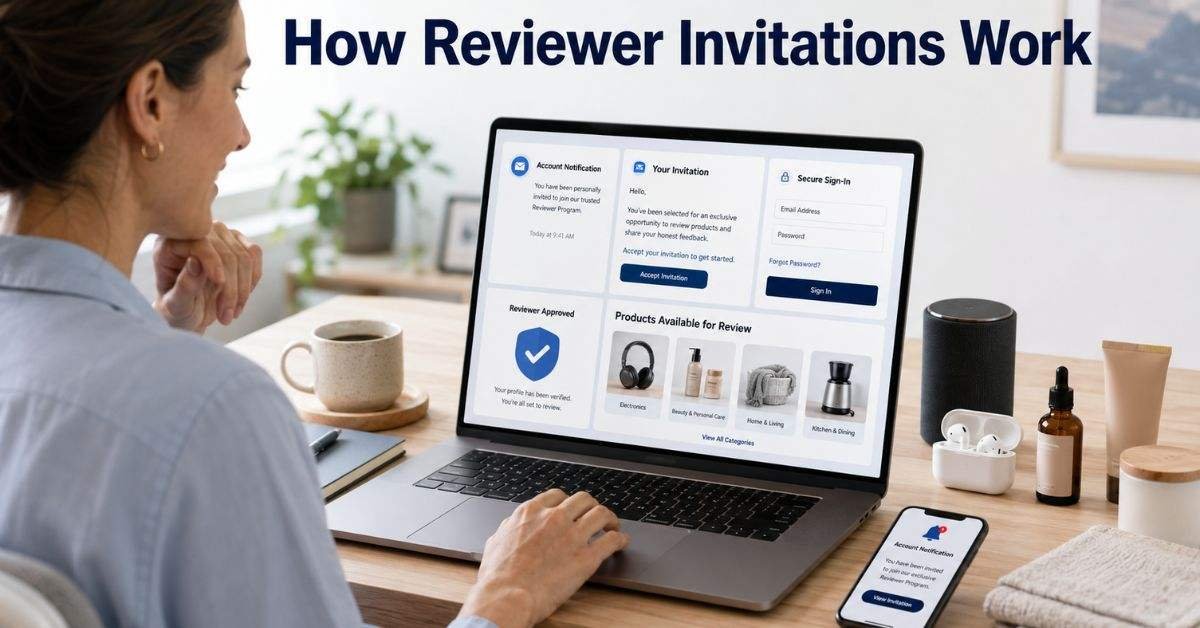
There is no public application form for becoming a Vine Voice. Amazon chooses customers whose reviews are honest, informative, and helpful to other shoppers.
A strong product review normally
- Explains how the product was tested.
- Covers both benefits and weaknesses.
- Checks whether the item matches its description.
- Mentions who may find the product useful.
- Avoids copied, unclear, or promotional language.
Writing quality reviews does not guarantee an Amazon Vine Login invitation. Amazon may consider review quality, category knowledge, account history, and helpful votes from other shoppers. Customers should focus on giving useful information instead of posting a large number of short or rushed reviews.
Reviewer Duties and Seller Rules
After completing the Amazon Vine login, reviewers and sellers must follow the program’s rules:
- Reviewers should test products before writing reviews.
- Reviews must be honest and based on real experience.
- Members should complete reviews within the required time.
- Sellers must have an eligible account and active FBA inventory.
- Product pages should be complete, accurate, and live.
- Both positive and negative reviews must be accepted by sellers.
The Amazon Vine Login does not guarantee a fixed number of reviews, a high star rating, or increased sales. Businesses should inspect the product, packaging, instructions, and listing details before enrolling units. A poor-quality product may receive critical reviews. Sellers should therefore use Vine to collect genuine feedback rather than expecting automatic promotion.
Amazon Vine Seller Costs
Amazon may provide different enrollment levels depending on the number of product units submitted.
| Units Enrolled | Possible Enrollment Fee | Maximum Possible Reviews |
| Up to 2 units | $0 | Up to 2 |
| 3 to 10 units | $75 | Up to 10 |
| 11 to 30 units | $200 | Up to 30 |
Fees and requirements can vary between Amazon marketplaces. Sellers should always check the final price displayed inside Seller Central before confirming enrollment. The Amazon Vine Login area for sellers should also show whether a product is currently eligible. Enrollment does not guarantee that every submitted unit will receive a review.
Account Safety and Scam Protection
You should always log in to Amazon Vine securely on an official Amazon website. Fake invitation messages may direct users to copied pages designed to steal passwords, payment details, or verification codes.
- Type Amazon’s website address manually.
- Check the website domain before signing in.
- Turn on two-step verification.
- Never pay anyone for a Vine invitation.
- Do not share verification codes through email or chat.
- Report suspicious messages to Amazon.
Amazon does not sell Vine Voice memberships. Anyone promising guaranteed membership, secret invitations, or special access for money is likely running a scam. Use the Amazon Vine Login only through trusted Amazon pages and avoid opening unexpected attachments or shortened links.
FAQs
Can anyone join Amazon Vine?
No. Reviewer membership is invitation-only, while sellers must meet Amazon’s enrollment requirements.
Is there a separate Vine password?
No. Reviewers use their normal Amazon account, while sellers use their Seller Central details.
Why does the page say I am not eligible?
You may be using the wrong account, or your invitation or seller eligibility may not be active.
Can sellers remove negative Vine reviews?
A review cannot be removed simply because it is negative. Amazon may remove it only if it breaks review rules.
Are Amazon Vine products completely free?
Reviewers do not pay the normal purchase price, but tax responsibilities may apply depending on their location.
Conclusion
The Amazon Vine Login process becomes easier when users understand the difference between reviewer and seller access. Invited reviewers sign in through the Amazon account connected to their invitation. Businesses enter through Seller Central and can enroll only products that meet Amazon’s current requirements. When access fails, users should check their email address, password, verification code, browser cookies, tax forms, marketplace region, and account eligibility. Sellers should also review their FBA inventory, product details, brand permissions, and professional selling plan.
Amazon Vine works best when reviewers remain honest and sellers provide well-made products. Instead of seeing the program as a source of guaranteed advertising, businesses should see it as a source of actual customer feedback. Use official Amazon pages, activate two-step verification, and avoid anyone selling invitations. After completing these checks, return to the Amazon Vine Login page and follow the instructions displayed inside the account.