

Introduction
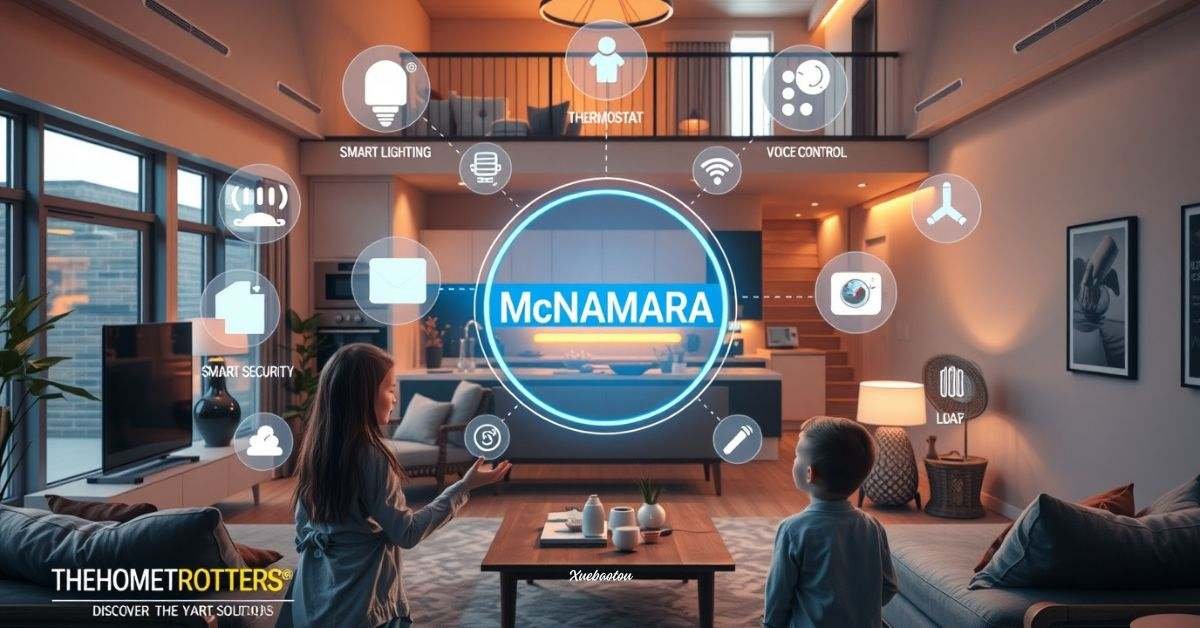
Imagine entering your house and having the lights come on by themselves. Your favorite song starts playing, the house is the perfect temperature, and the doors are locked, without you touching a thing. Welcome to the world of smart homes, where technology makes everyday living easier, faster, safer, and more fun.
Many families today are busier than ever. Between work, school, errands, and daily routines, it can feel like there’s never enough time. That’s why more and more people, just like you, are turning to smart home solutions to help them manage their homes better. From turning off forgotten lights to making sure the front door is locked, smart home technology helps you stay in control no matter where you are.
TheHomeTrotters McNamara Family, known for their simple and budget-friendly home tips, will guide you through smart living without making it complicated or expensive. Their approach is family-friendly, beginner-approved, and focused on saving you time, energy, and stress.
What ‘s a Smart Home?
A smart home is a house with devices that connect to the internet. This allows you to control things like
- Lights
- Thermostats (for heating and cooling)
- Door locks
- Cameras
- Speakers
You can control most smart devices using your:
- Phone
- Tablet
- Voice (like Alexa, Siri, or Google Assistant)
Smart homes make life easier by helping you save energy, feel safer, and do tasks faster.
Why Smart Homes Matter in 2026
Smart homes are becoming more popular every year. In 2026, families want tools that make daily life simpler. Here’s why smart homes are a great choice:
- Save money on electric bills
- Keep your home safe with cameras and smart locks.
- Make routines easier (like bedtime or leaving the house)
- Help kids and older people with special features like voice commands
Plus, most smart home tools are easy to install. You don’t need to drill or rewire anything!
Start Small: 3 Steps to Begin Your Smart Home Journey
Don’t try to buy everything at once. The best way to build a smart home is to take it step by step. Here’s a simple plan from TheHomeTrotters McNamara:
| Step | What To Do | Example Devices |
| 1. Start Simple | Choose one room to upgrade. | Smart lights, smart plugs |
| 2. Automate Routines | Make daily tasks easier. | Voice assistant, smart speaker |
| 3. Expand As You Learn | Add more smart tools with confidence. | Smart locks, thermostat, door sensors |
Pro Tip: Pick devices that solve your biggest problems first. For example, if you often forget to turn off lights, start with smart bulbs.
Top 5 Smart Devices to Start With
Let’s talk about the must-have smart devices for beginners. These are easy to use and helpful for everyday life.
1. Smart Lights
Smart lights are great for saving energy and adding comfort:
- Turn them off with your voice or phone.
- Set timers or motion sensors.
- Wake up with sunrise settings.
Popular smart bulbs include Philips Hue, LIFX, and Sengled.
2. Smart Plugs
Turn regular things (like lamps or coffee makers) into smart devices!
- Set a timer for your coffee pot.
- Control devices while you’re not home.
- Great for families with kids.
3. Smart Thermostats
These devices help control the temperature in your home:
- Adjust automatically based on the weather or your routine.
- Save up to 15% on energy bills.
- Popular models: Nest, Ecobee, Honeywell
4. Smart Security Tools
Safety is a top reason families go smart.
- Video doorbells show who’s at the door (even if you’re not home).
- Smart locks let you unlock doors with your phone or voice.
- Indoor/outdoor cameras send alerts if something moves.
Note: Make sure your security tools work with your voice assistant.
5. Smart Speakers and Voice Assistants
These are like the heart of your smart home:
- Ask them questions like, “What’s the weather today?”
- Say, “Turn off the kitchen lights,” or “Play bedtime music.”
- Set alarms, reminders, and routines, hands-free!
Smart Home Made for Families
Smart homes aren’t just about gadgets, they make family life better. Here’s how:
- For Parents: Set routines like dimming the lights at bedtime.
- For Kids: Use smart speakers to play music or bedtime stories.
- For Safety: Add motion sensors in hallways to turn on low lights at night.
- For Busy Mornings: Voice reminders help kids stay on schedule.
You can even use parental controls to manage screen time and devices and make sure kids stay safe online.
Smart Kitchens: Helpful and Hands-Free
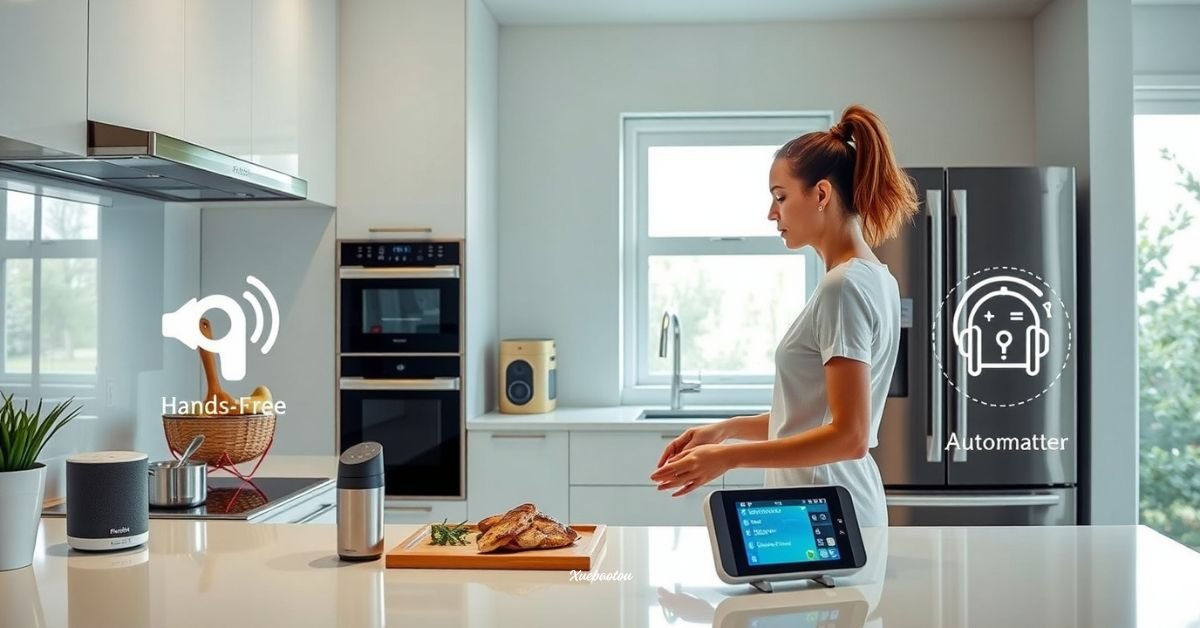
You don’t need all-new appliances to upgrade your kitchen. A few budget-friendly ideas:
- Use a smart plug to start the coffee when you wake up.
- Set timers with your voice assistant while cooking.
- Try a smart meat thermometer that alerts your phone when dinner is ready.
- Use smart displays (like Nest Hub) to show recipes hands-free.
These tools make cooking easier, faster, and more fun!
How Much Do Smart Homes Cost?
Some people think smart homes are only for rich people, but that’s not true. You can start building a smart home for under $50!
| Device | Estimated Price (2026) | Use Case |
| Smart Bulb (2-pack) | $20 | Bedroom or living room |
| Smart Plug | $10–$15 | Coffee machines, lamps |
| Motion Sensor | $25 | For lights or security |
| Smart Speaker Mini | $35 | Voice commands, music, reminders |
Build slowly, and you can have a smart home without spending too much money.
How Smart Homes Save Money
Smart homes don’t just look cool, they help your wallet! Here’s how:
- Smart thermostats reduce heating and cooling costs.
- Smart lights turn off automatically, saving electricity.
- Smart plugs cut down on “phantom” power waste when devices aren’t in use.
- Security tech can prevent break-ins or costly damage.
Also, homes with smart systems often have higher value when sold.
Choosing the Right Smart Hub
Before buying smart tools, pick your smart hub system. This connects your home and makes devices work together.
Top smart hub ecosystems
- Amazon Alexa: Great for voice control and thousands of devices.
- Google Assistant: Best for families who use Android or Google Home.
- Apple HomeKit (Siri): Best for iPhone and Apple users.
Make sure the devices you buy are compatible with your main system to avoid connection issues.
What’s Coming Next in Smart Homes?
Smart home tech is always improving. Here’s what to expect in the near future:
- AI-powered homes that learn your habits and adjust automatically.
- Facial recognition locks and fingerprint sensors for added security.
- Eco-friendly devices that use less energy and help the planet.
- Faster tech with 5G internet for near-instant responses.
Future homes will be smarter, safer, and even more helpful for busy families.
Tips for Renters or Beginners
Good news! You can enjoy smart home tech, even if you’re renting. Many smart gadgets:
- Plug in (no drilling needed)
- Are easy to move when you switch homes
- Don’t need Wi-Fi wiring changes
Start with small upgrades like smart bulbs or plugs, and grow from there.
FAQs
Who are TheHomeTrotters McNamara?
They’re home improvement experts who focus on simple and smart ways to upgrade homes for modern living.
What’s the best smart device to start with?
Smart lights or a smart plug, both are low-cost and easy to use.
Do I need Wi-Fi for a smart home?
Yes, almost all devices work over Wi-Fi or Bluetooth.
Are smart homes safe from hacking?
Use strong passwords, two-factor logins, and trusted brands to stay protected.
Can I install smart devices if I rent?
Absolutely. Many smart tools don’t require wiring or drilling and are perfect for rentals.
Conclusion
By now, you’ve learned that a smart home isn’t just a cool trend, it’s a real way to make your life safer, easier, and more comfortable.
From turning off lights with your phone to locking your doors with your voice, these small changes can make a big impact on your daily routine. Smart home devices like thermostats, plugs, and voice assistants are not only fun but also help save energy, protect your home, and even reduce stress, especially for busy families.
And the best part? You don’t need to buy everything at once or spend thousands of dollars. You can start with just one smart bulb or plug. Add a smart speaker later. Over time, you can build a home that responds to your needs, your habits, and your lifestyle. TheHomeTrotters McNamara believe the smartest homes are the ones that grow with you, not the ones filled with the most gadgets. Their advice teaches us that it’s okay to start small and learn as you go.