

Introduction
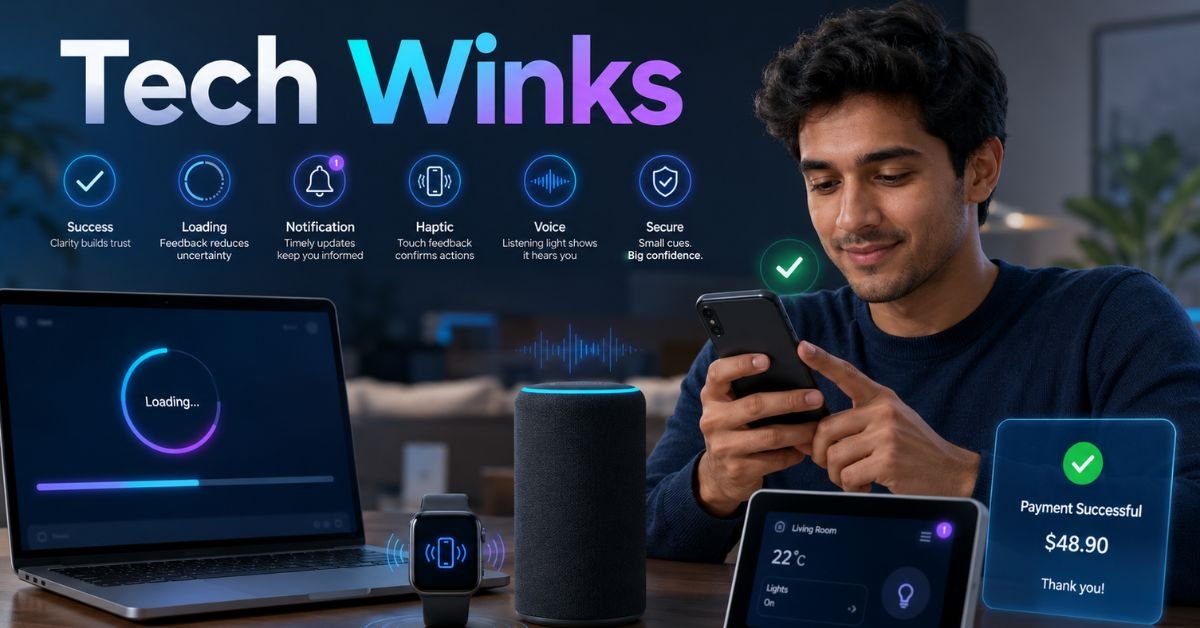
Modern technology often communicates without long messages. A button changes color after it is pressed, a phone vibrates when a payment is complete, or a small icon appears while a file uploads. These details may look unimportant, but they help people understand what a device or application is doing. Such quiet digital responses are often called tech winks.
In 2026, artificial intelligence, wearable devices, smart homes, and mobile apps respond to users in subtle ways. Well-designed tech winks reduce doubt, guide attention, and confirm important actions. Poor signals can distract users or make an interface confusing. This guide explains how these digital gestures work and how designers can use them responsibly.
What Are Tech Winks?
Tech winks are small visual, sound, or touch-based signals that show how a digital system responds to an action. In user experience design, they are also called microinteractions, interface feedback, motion cues, or haptic responses. When a heart icon fills after you like a post, the system confirms your choice. When a loading circle appears, it shows that work is still happening. Most digital feedback follows four steps:
- A user starts an action.
- The system receives the request.
- A signal explains what is happening.
- The interface moves to the next stage.
Why Small Digital Signals Matter
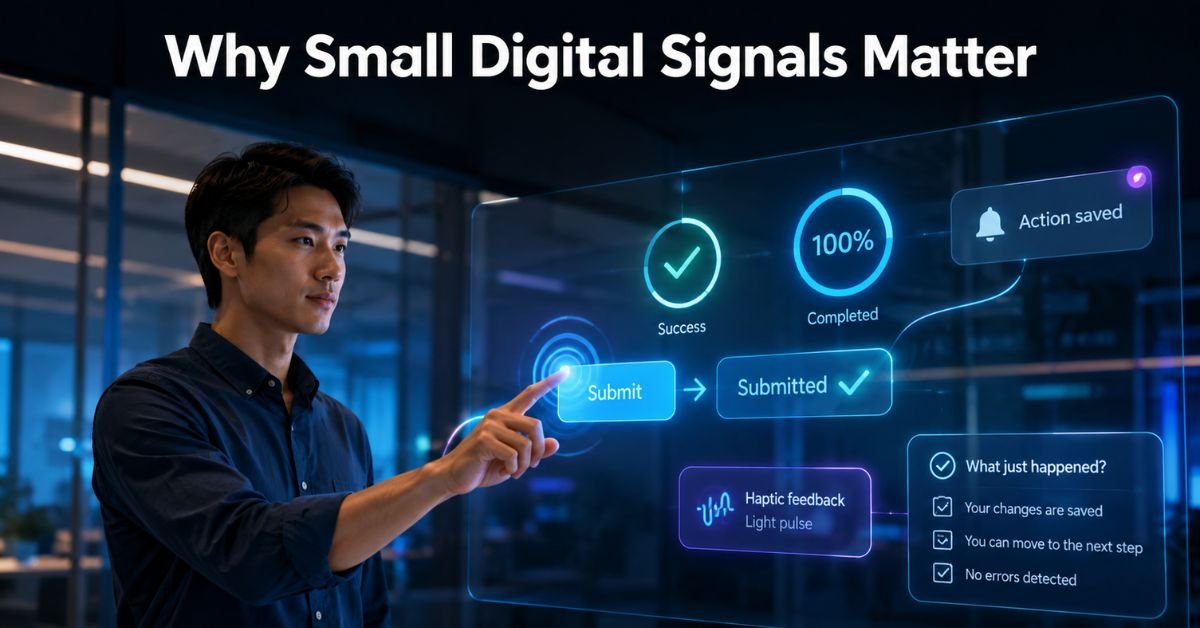
Good tech winks help people feel confident when using technology. Without feedback, users may not know whether a button worked, a file was saved, or a payment was completed.
Clear feedback can
- Confirm successful actions.
- Warn users about errors.
- Show that a task is continuing.
- Explain the next step.
- Reduce the need for instructions.
A short vibration or changing icon can deliver information without filling a phone screen.
Common Examples in Everyday Technology
People see tech winks in social media apps, banking tools, shopping websites, games, and smart devices.
| Digital signal | Example | Purpose |
| Visual change | A button becomes darker | Confirms a tap |
| Animation | A circle spins | Shows loading |
| Sound | A tone plays after payment | Reports success |
| Vibration | A phone buzzes | Gives touch feedback |
| Text | “File saved” appears | Explains the result |
The best examples are simple to understand and disappear after delivering their message.
Visual Feedback and Motion
Visual tech winks include progress bars, color changes, checkmarks, moving icons, and short animations. They help people understand a result without reading a long explanation.
Strong visual feedback should
- Appear immediately after an action.
- Stay close to the item involved.
- Use familiar symbols.
- Avoid unnecessary movement.
- Remain visible long enough to read.
Motion should have a purpose. Too much movement makes a page feel busy and may cause discomfort.
Sound and Haptic Feedback
Some tech winks use sound or touch instead of movement. Haptic feedback is the small vibration felt when typing, unlocking a phone, or completing a task. It is useful when a person is not looking at the screen or when a wearable device has little display space. These effects should remain gentle. Users should also have the option to lower or disable these effects.
The Role of AI in 2026
Artificial intelligence has made tech winks more important in the context of user interactions. AI tools may need time to study a request, search for information, or create an answer. Users should see when the system is listening, processing, or waiting for approval. Helpful AI feedback includes typing indicators, progress messages, source labels, warnings, and confirmation screens. An attractive animation must not make an AI system appear more accurate than it really is.
Accessibility and Inclusive Design
Accessible tech winks should work for people with different abilities. Important information should never depend on color, sound, motion, or vibration alone.
| Poor design | Better design |
| Error shown only in red | Color, icon, and short message |
| Confirmation only through sound | Sound with text or vibration |
| Fast flashing movement | Calm animation with reduced-motion support |
| Message disappears quickly | Message stays long enough to read |
Designers should also support screen readers, keyboard navigation, clear color contrast, and reduced-motion settings.
Risks and Misleading Design
Not all tech winks help users. Some pressure people, create false urgency, or encourage unnecessary clicks. Fake notification dots, restarting countdown timers, and confusing buttons can unfairly influence choices.
Users should be careful when they send signals:
- Push a more expensive choice.
- Hide the cancel option.
- Show false warnings.
- Interrupt the screen repeatedly.
- Make normal actions feel urgent.
Responsible design guides people without controlling them.
How Designers Can Create Better Feedback
Effective tech winks are clear, useful, and connected to an action. Designers should first decide what users need to know and then choose the simplest way to communicate it.
A positive signal should
- Respond quickly.
- Match the importance of the action.
- Stay consistent across the product.
- Allow mistakes to be undone.
- Work with accessibility settings.
Teams should test whether users understand each signal. Testing should include phones, computers, slow internet connections, muted devices, and accessibility tools.
The Future of Digital Feedback
Future tech winks will become more personal. Smartwatches may use separate vibration patterns for different alerts. Cars may combine lights, sounds, and seat vibrations. AI assistants may adjust feedback according to a person’s device and accessibility settings. The most effective products will apply the appropriate feedback at the optimal moment. Calm feedback will make advanced technology feel easier.
FAQs
Are These Signals the Same as Microinteractions?
They are closely related. Microinteraction is the more common professional term.
Why Are Loading Bars Useful?
They show that a process is active and may indicate how much work remains.
Can Animation Cause Accessibility Problems?
Yes. Fast or repeated movement can distract users or cause discomfort.
Is Vibration Always Helpful?
No. Frequent or strong vibration can become irritating.
Does Every App Need Digital Feedback?
Most apps need feedback, but not every action needs animation or sound.
Conclusion
Tech winks may be small, but they affect how people understand and trust digital products. A changing icon, short sound, gentle vibration, or clear message can confirm an action and prevent confusion. In 2026, these signals matter even more because AI tools, wearables, vehicles, and smart homes often work in the background. Users need clear signs that explain what the system is doing. Designers should give every effect a purpose, support accessibility, and respect the user’s attention. Review one important task on a website or app and check whether each action receives clear, honest feedback.